
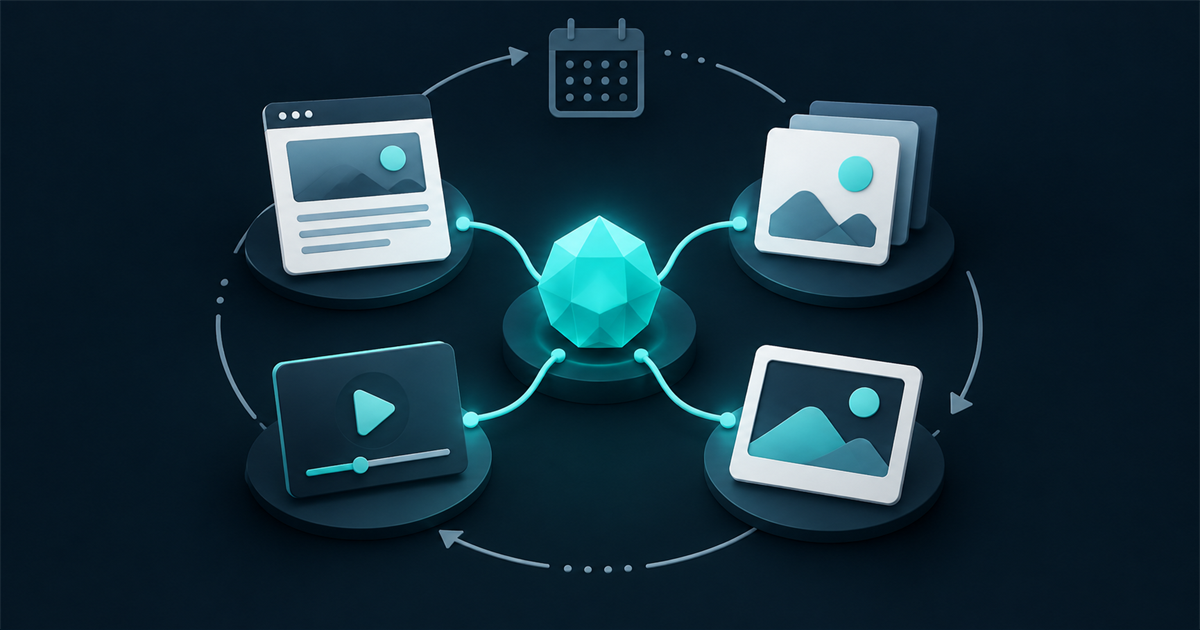
One useful business idea can become a month of digital content when it is developed as a source article first and then adapted for each channel. This is more efficient than inventing unrelated posts every week, and it produces a clearer, more consistent message.
The best starting point is usually not a trend. It is a real question from a customer, a decision made during a project or a problem the business solves repeatedly.
Begin with one genuine question
Useful content is often already present in everyday work. Look at enquiries, proposals, sales conversations, support requests and project notes. Record questions such as:
- What does a customer need to understand before choosing this service?
- Which misconception causes delays or poor decisions?
- What part of the process is difficult to explain in a short conversation?
- What evidence would help a customer trust the business?
- What has changed in the service, market or region?
A question with commercial relevance is more valuable than a broad topic chosen only because it seems popular.
Create the durable source on the website
The website article should contain the complete answer. It becomes the canonical source that can remain useful, be improved later and support relevant service pages.
A strong practical article normally includes:
- A direct answer near the beginning.
- Clear context about who the advice is for.
- Logical headings that reflect real sub-questions.
- First-hand experience or evidence.
- Examples, steps or a checklist.
- Related services and internal links.
- An author, publication date and update date.
- A clear next action for the reader.
This structure works for human readers and also gives search engines and AI browsing tools enough context to interpret the advice accurately.
Turn the article into smaller content units
After the main article is complete, identify the smaller ideas inside it. A single article could produce:
- One Google Business Profile update.
- Three to five social posts.
- A short email introduction.
- A frequently asked question for a service page.
- A carousel or simple graphic.
- A 30- to 90-second video.
- A photograph with an educational caption.
- A follow-up article based on a deeper question.
Adaptation does not mean copying the same paragraph everywhere. Each channel has a different job. The website explains; the profile and social channels attract attention and direct interested people to the full answer.
Use visual material with purpose
Photography and video make content more believable when they show the actual business, work or process. Product photography can clarify quality and detail. Property photography can establish space and atmosphere. Portraits can introduce the people behind the service. Process images can demonstrate care and competence.
Since 1999 I have made thousands of photographs of people and landscapes. In those days, photographs were often written to CDs using external burners because many laptops did not yet include internal optical drives. Since then, my work has extended into property and product photography, ecommerce presentation and hundreds of short films and videos, including extensive use of a Sony HDR-PJ810 camcorder.
The equipment has changed, but composition still matters: lines, colour, perspective, light and the relationship between the subject and its surroundings determine whether an image communicates clearly.
Example: one month from one idea
Imagine a property-related business repeatedly receives the question: “How should a property be prepared for professional photographs?”
The monthly content could be structured like this:
- Website article: a complete room-by-room preparation guide.
- Google Business Profile update: three high-impact preparation tips with a link to the guide.
- Social post one: a before-and-after example.
- Social post two: a checklist graphic.
- Social post three: a common preparation mistake.
- Short video: a quick walkthrough explaining how small changes affect photographs.
- Service-page improvement: a preparation FAQ linked to the photography service.
The business has not invented seven different subjects. It has explained one valuable subject in formats suited to different moments and audiences.
A simple four-week publishing rhythm
Week 1: publish the source
Release the complete website article. Check the title, summary, internal links, author information and call to action. Submit or inspect the page in Search Console after publication.
Week 2: demonstrate the idea
Share an original photograph, example, short case note or visual comparison that supports the article. Link back where appropriate.
Week 3: answer one smaller question
Extract one section and turn it into a concise profile or social update. The update should still provide value even if the reader does not click.
Week 4: add a human explanation
Record a short video, provide a behind-the-scenes view or share a lesson from real work. Then review which format generated useful engagement or enquiries.
Plan production in batches
Content becomes more manageable when related tasks are grouped. One planning session can select the question, outline the article and identify required photographs. One photography or video session can capture several assets. Captions and channel versions can then be prepared together.
A practical content brief should define:
- The customer question.
- The business objective.
- The main website article.
- The required photographs or footage.
- The channel adaptations.
- The responsible person and approval date.
- The call to action and tracking link.
Keep the brand visually consistent
Graphic design supports recognition and comprehension. Typography, colour, spacing, image treatment and composition should feel related across the website, Google profile and social content.
My graphic-design experience reaches back to the Photoshop CS2 era, and the principle remains the same: a visual system should help the message, not compete with it. Templates can save time, but they should allow enough flexibility for the content to remain specific and authentic.
Measure business value, not only activity
A calendar full of posts is not automatically successful. Review:
- Relevant website visits from distributed content.
- Search impressions and clicks for the source article.
- Profile actions and tracked website clicks.
- Qualified enquiries influenced by the content.
- Questions or objections the content helped answer.
- Assets that can be reused in proposals, service pages or future campaigns.
The purpose is to create a growing library of useful business knowledge and evidence.
What an ongoing content partnership should include
A monthly service needs a defined rhythm. It should state how topics are chosen, how many outputs are included, who supplies information, how approvals work, what photography or video allocation is available and how results are reported.
Fugle’s proposed Momentum service combines website and visibility care with planning, source articles, social adaptations, photography, short-form video and continuing conversion improvements. It is designed for businesses that need a continuing creative and marketing partner rather than isolated pieces of content.
Related field notes
- What should happen after your new website launches?
- How Google Business Profile supports local visibility
Choose the first question
Start by writing down the five questions customers ask most often. Select the one that is closely connected to a service the business wants to grow. Answer it thoroughly on the website, then plan the profile, social, visual and video versions before beginning the next idea.
Explore Fugle’s content, photography, video and ongoing digital-presence services, or start a conversation about building a repeatable monthly content system.